

Turn Scripts & Audio into 30-Min Story & Vinyl Videos
Paste a script, podcast clip, or track—no timeline editing required. Pair warm narration and synced captions with 15 spinning vinyl stages or consistent-character storyboards for YouTube, Podcasts, and Shorts.

Best in desktop Chrome or Edge — exports 1080p MP4, clean thumbnail, and SRT captions together.
Two Visual Engines Built for Audio-First Channels
Pick a format and publish—no keyframes or multi-track timelines to wrestle with.
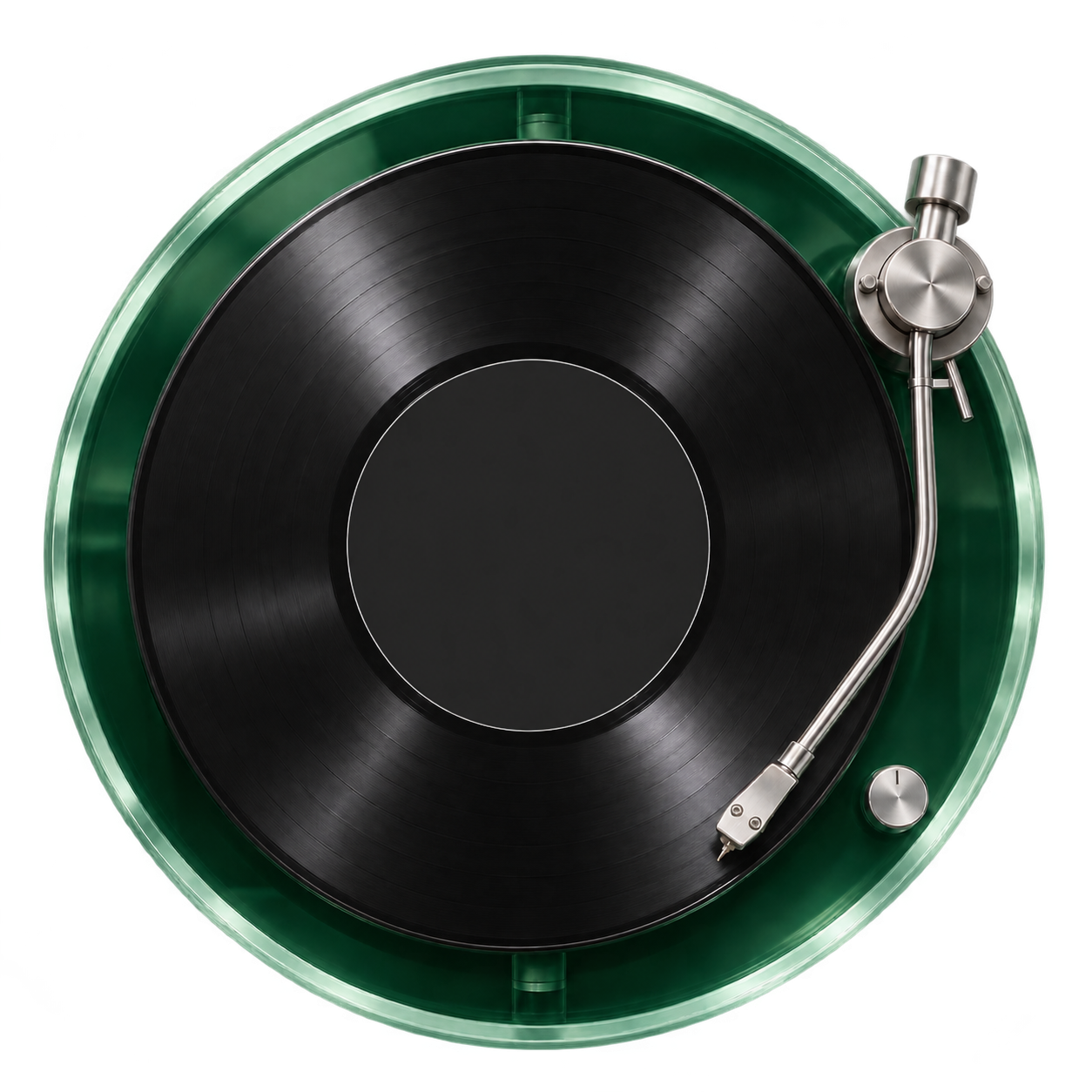
Drop in one book cover, episode artwork, or single sleeve. Pair it with 15 vintage gramophones, red-seal vinyls, or tonearm stages plus live waveforms and soft word-wipe captions.
- Switch instantly between 16:9 YouTube long-form, 3:4 feed posts, and 9:16 vertical Shorts
- Custom line breaks on titles, exported alongside a clean text-free thumbnail
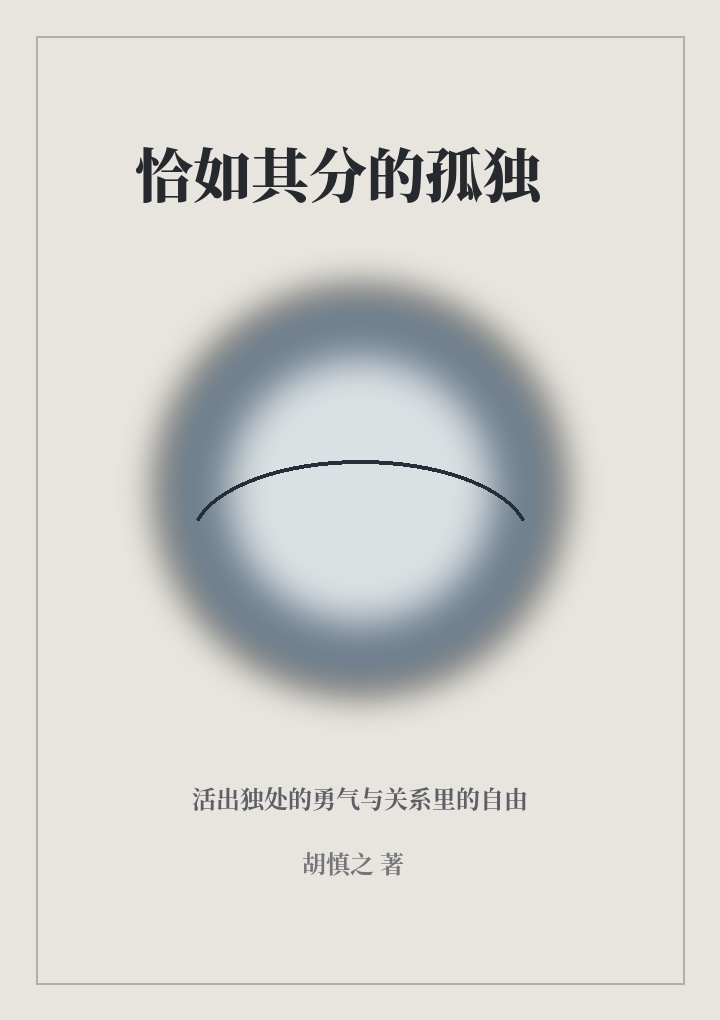

Splits your script into natural story beats, keeps recurring protagonists visually consistent in face and wardrobe, paints cohesive scenes, and adds gentle documentary camera motion.
- Zero manual character sheets: pure landscapes stay scenic, character stories keep the same face
- 12 curated oil, ink, film, and editorial styles—or extract a look from your own reference image


Built for 30-Minute Narratives Without Burning Credits
Most AI video tools break past 60 seconds or charge you again for every typo. SonaCut fixes the daily friction.
Edit One Line, Re-Voice Only That Line
Every paragraph caches its own voiceover and artwork. Fix a sentence without re-generating the whole script, or clone a finished 16:9 video into 9:16 at zero extra AI cost.
Pronunciation Lock, Clean Captions
Enter a phonetic reading for tricky historical names, places, or terms so narration sounds native—while on-screen subtitles and exported SRT files keep the exact original spelling.
Up to 30-Min 1080p MP4 + Thumbnail + SRT
Skip slow cloud render queues. Your browser composites crisp 1080p video smoothly in the background and downloads the MP4, clean cover thumbnail, and SRT captions in one step.
Just Have an Audio File? Try Our Free Browser Tools
100% local in your browser — free, no watermark, and your files never upload to a server.
7 Ready-to-Run Channel Presets
Start from a proven voice, pacing, BGM, and stage recipe—or save your own signature show template.
No. Each paragraph stores its audio independently, so only the edited paragraph is re-voiced. You can also duplicate any project to export 16:9, 3:4, and 9:16 versions without re-running TTS.
Yes. Tools like MP3 to Video, Audio Visualizer, and Spotify Canvas Maker run locally on your device via WebCodecs, costing zero server GPU—so they stay free, private, and watermark-free.